Your Complete Keyboard Guide — Tools, Tips & Comparisons

No tech degree needed. Just curiosity. Explore beginner-friendly guides, free testing tools, and keyboard tips that make a real difference — all built to help you understand, test, and get the most out of your keyboard.

chatgptimageapr19202612 17 54p

Introduction to Computer Keyboards

What is a Keyboard? Not just keys — it’s your power to type, control, and dominate every click .It consists of keys arranged in a specific layout,...
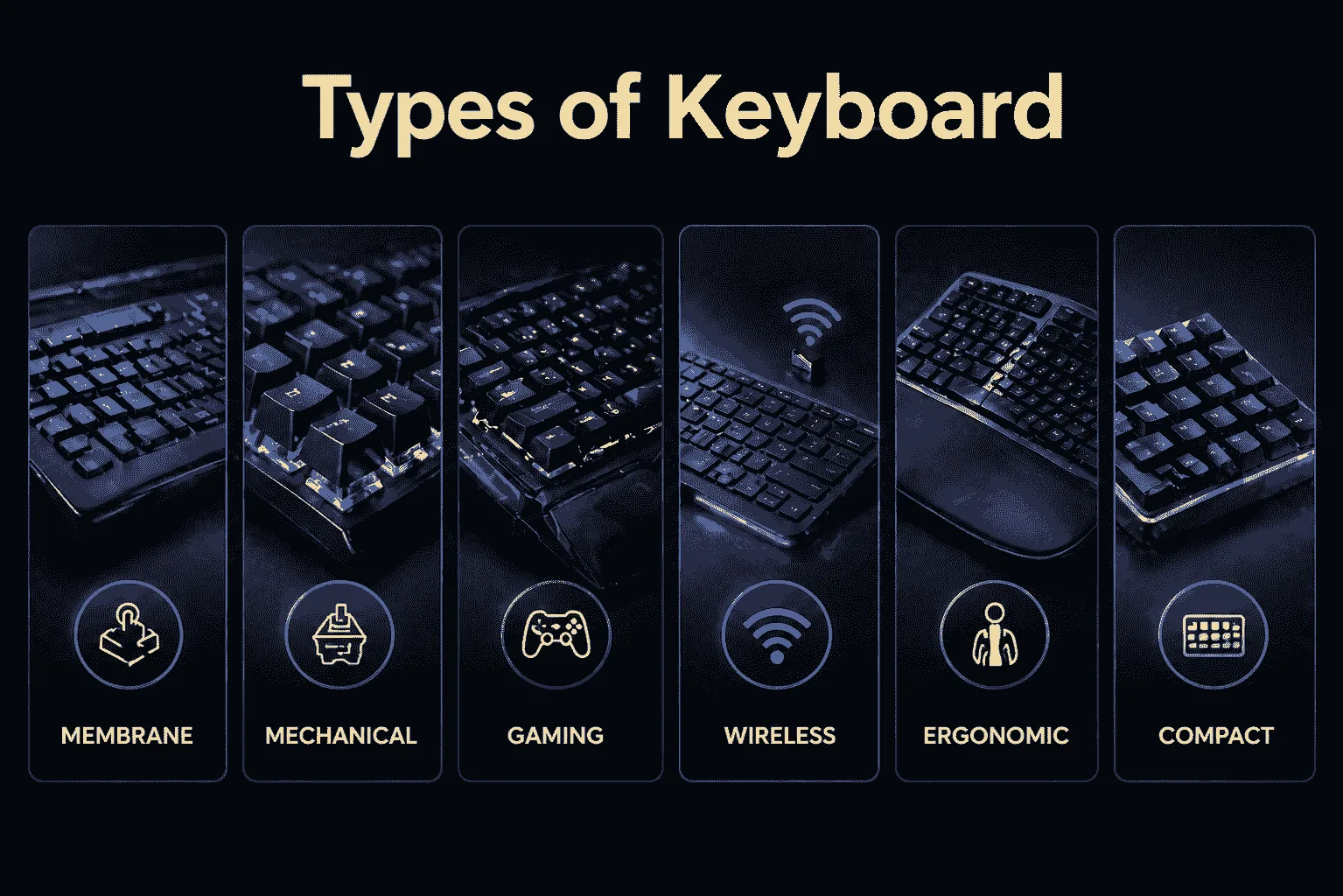
Types of keyboard infographic showing membrane, mechanical, gaming, wireless, ergonomic, and compact keyboard types

The main types of keyboards

Find Your Perfect Keyboard. From smooth typing to pro gaming — discover the keyboard that matches your vibe. keyboard types vary in how they look, feel, and function....
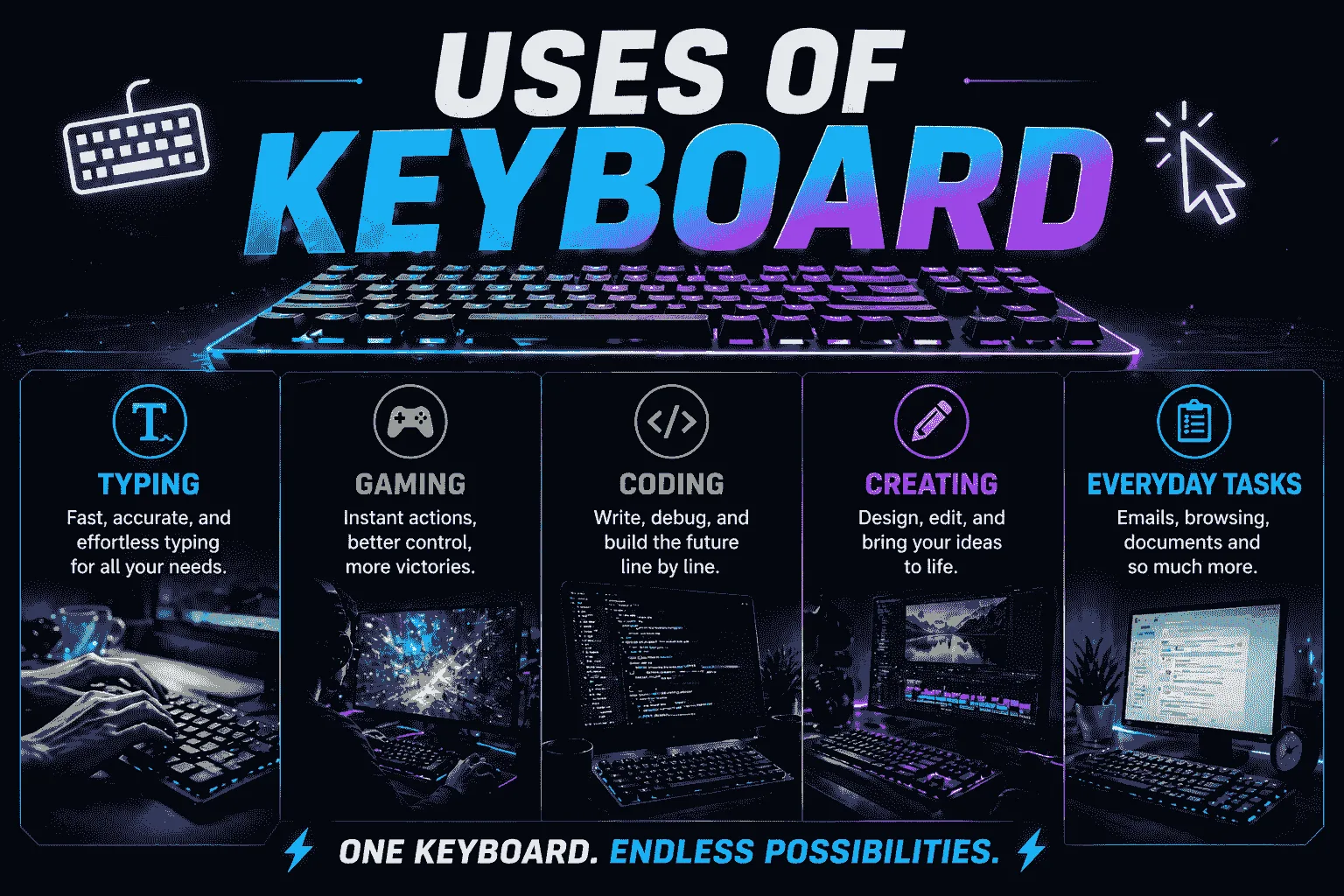
Uses of keyboard showing typing, gaming, coding, and daily computer tasks with modern keyboard setup

Uses of Keyboard in Daily Life

More Than Typing. Work, play, create — unlock the real power of your keyboard, Let’s explore the major uses of keyboard in daily life...
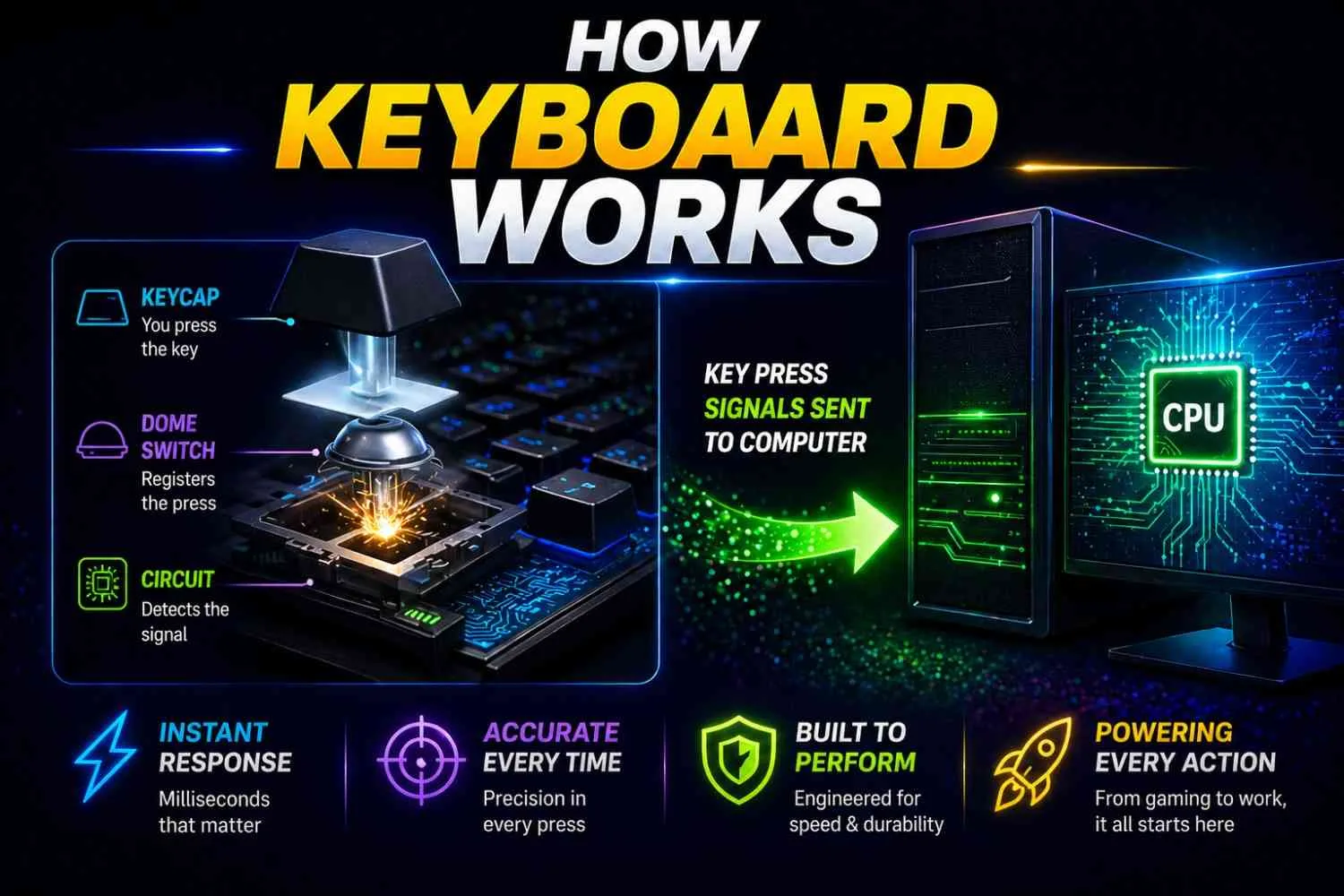

eeeee

How Computer Keyboards Process Input

From key press to instant action — see the magic behind every click, It feels instant, but there’s actually a fascinating process happening beneath every keystroke.
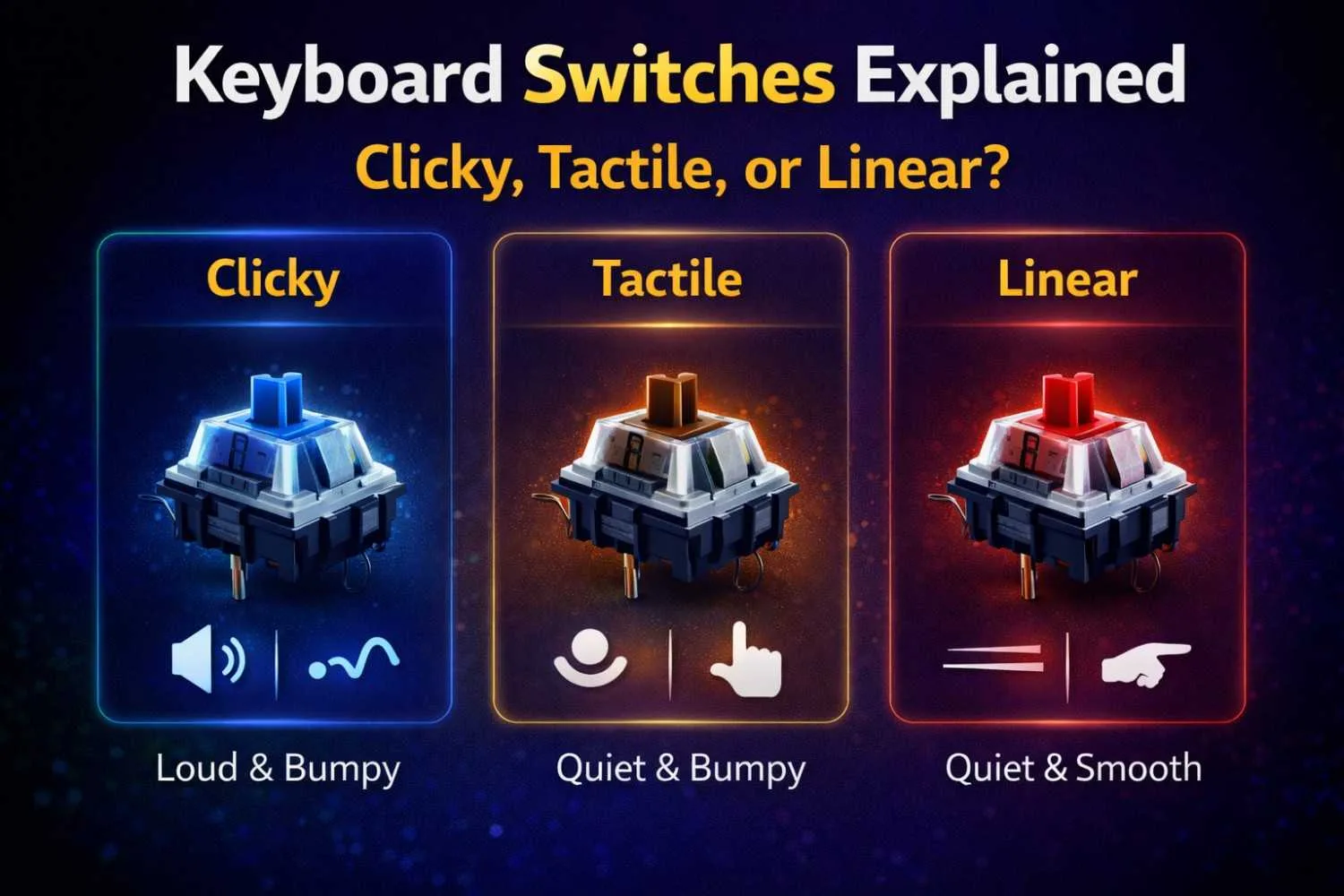
Keyboard switches explained infographic comparing clicky tactile and linear switches with sound and feel differences

Clicky, Tactile, or Linear — Which Switch Are You?

If you’ve ever wondered why some keyboards feel like typing on clouds while others feel like pressing buttons on a spaceship console, the answer lies in...
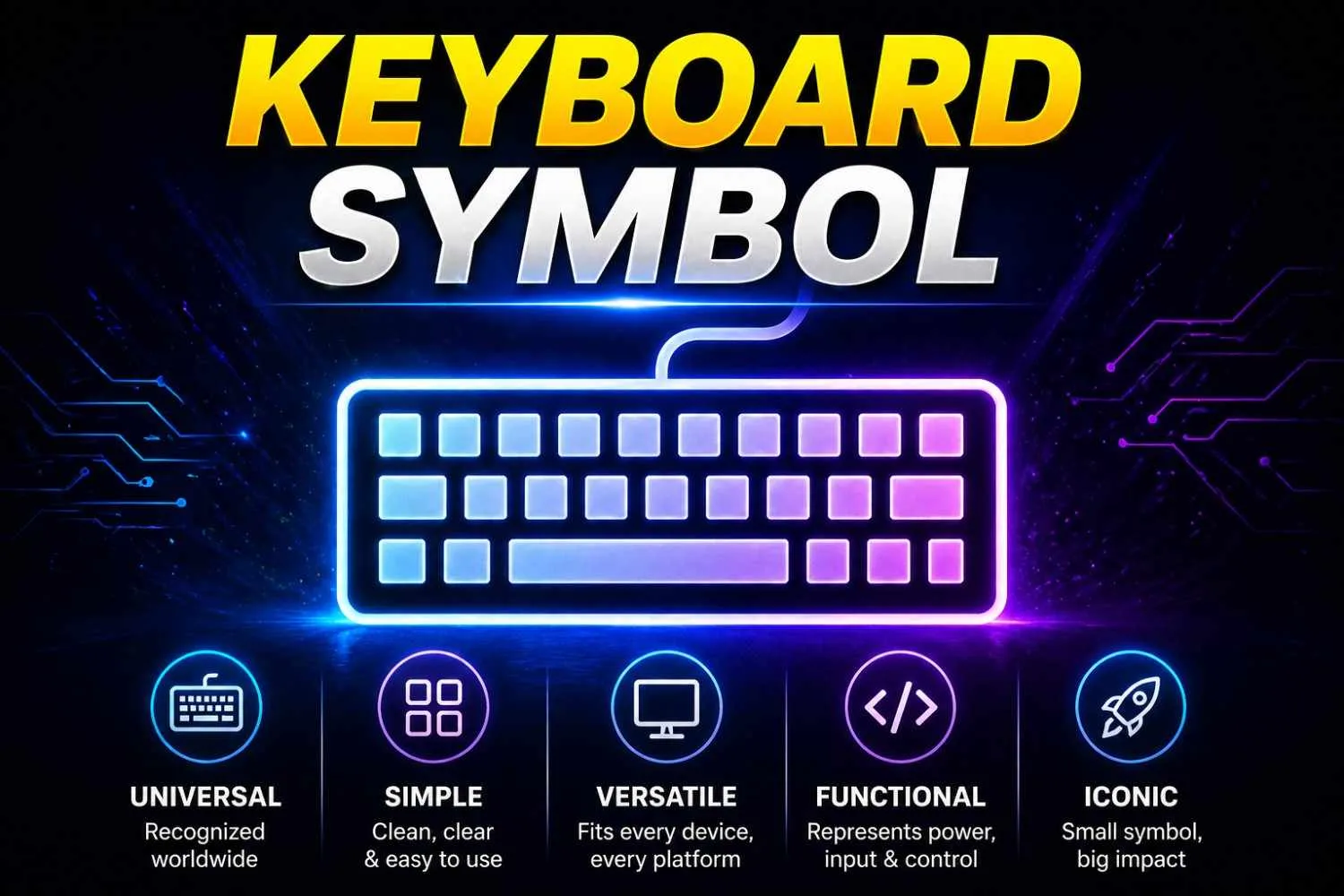
Keyboard symbol image with glowing icon representing input device, typing, and computer control

Complete List of Keyboard Symbols

Keyboard Symbol Small icon, massive control — the power behind every command.Understanding how they are used in each area makes typing more effective...

Keyboard Testing Lab 

Think your keyboard is fast? Prove it. Test latency, polling rate, key response and more — for free.

sssssssss

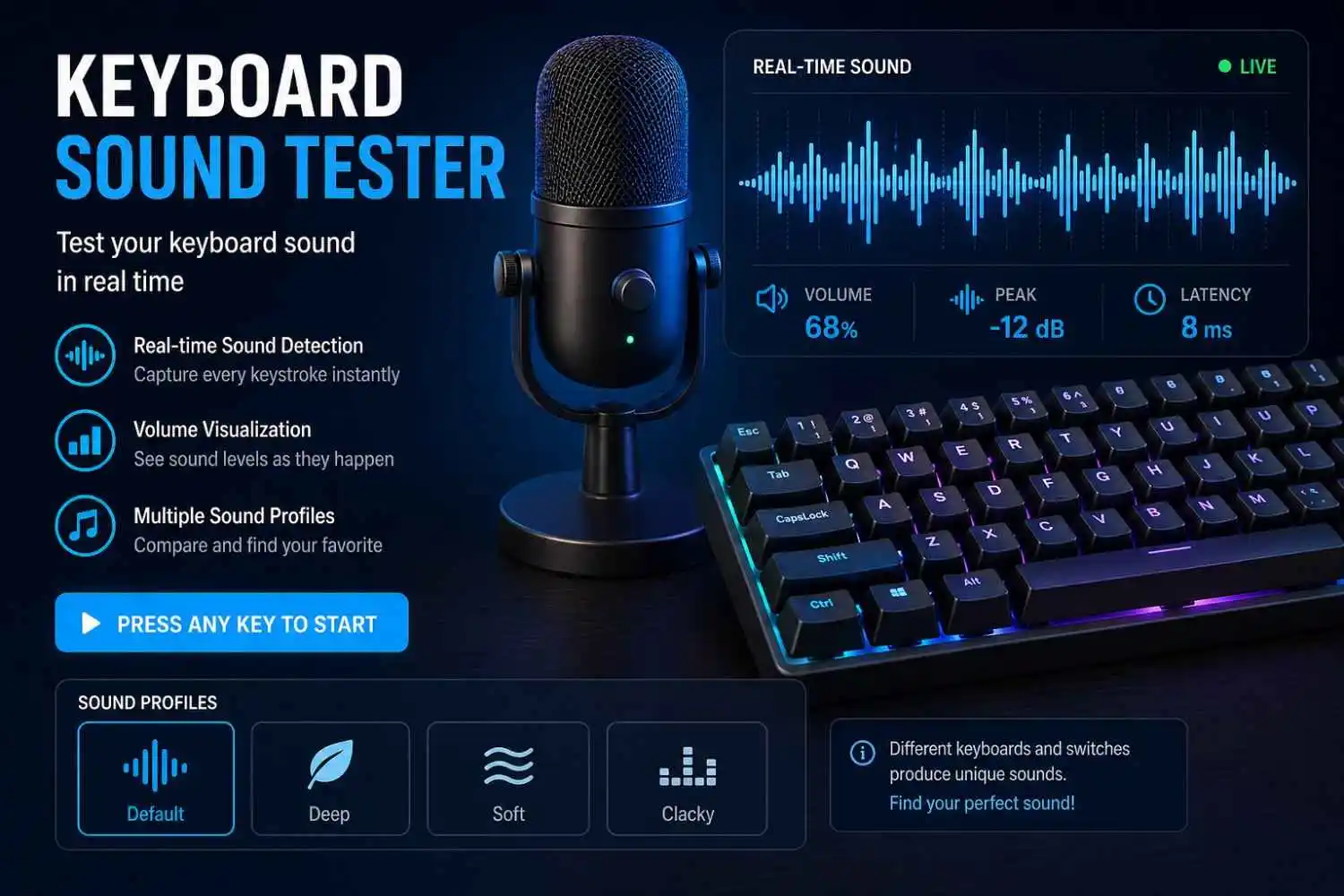
Mechanical Keyboard Sound Checker

Is your keyboard clicky, thocky, or silent? Find out instantly with live sound detection and volume visualization.
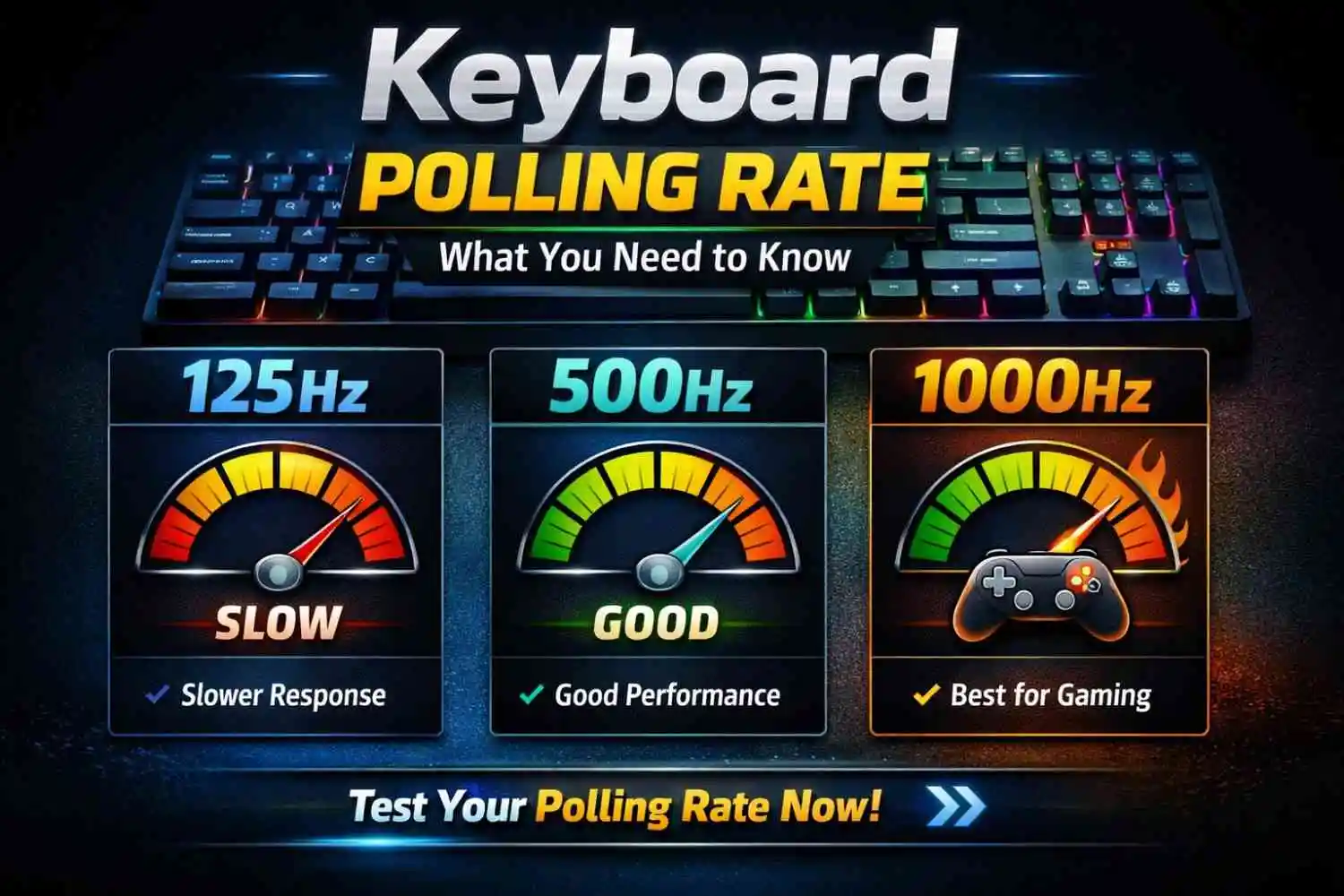
dddd

Check Your Keyboard Polling Rate

Don't let a low polling rate cost you the game. Test yours instantly and see where you stand — 125Hz to 1000Hz.
ggg (1)

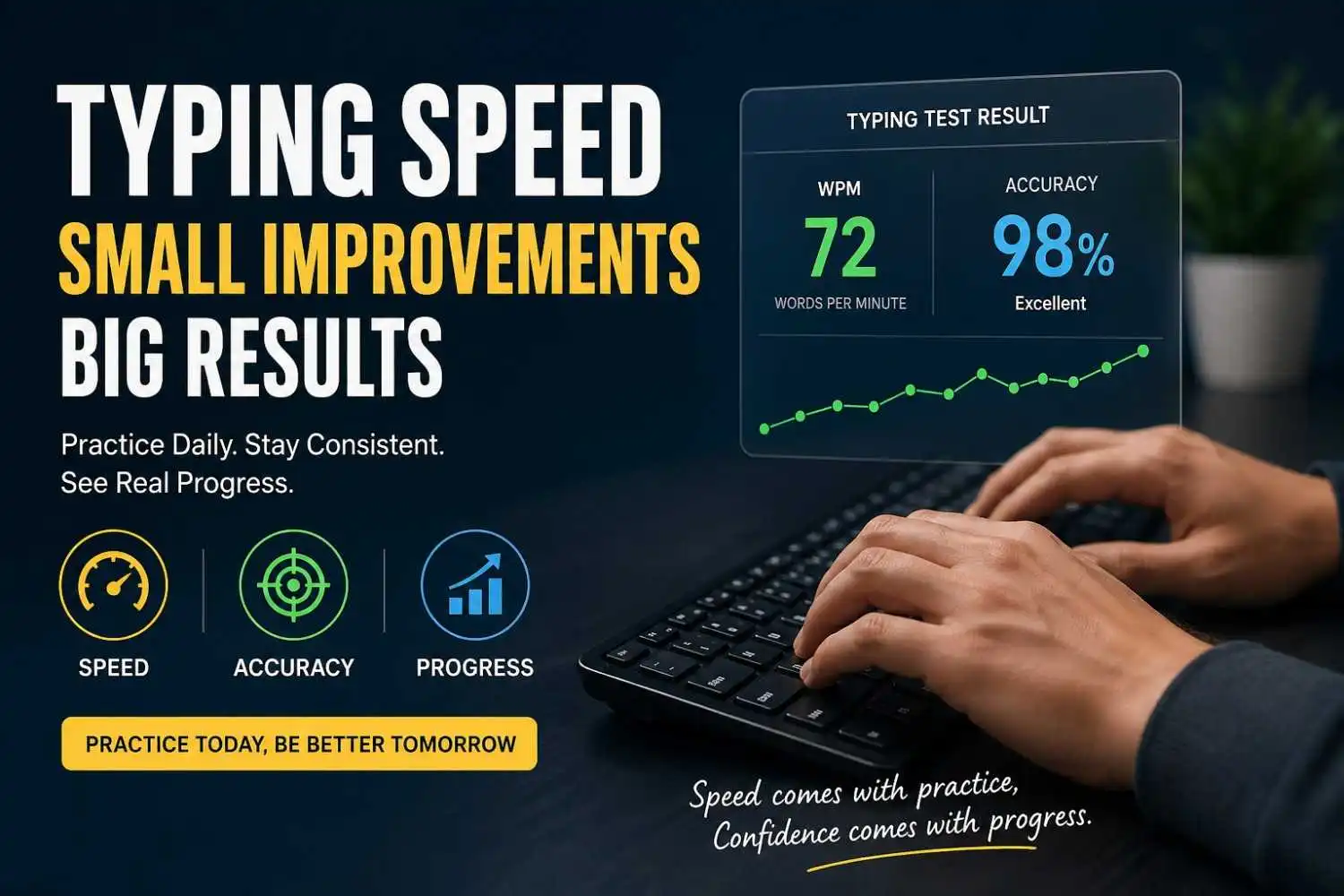
Typing Accuracy & Speed Test

Think you type fast? Find out your real WPM and accuracy in seconds — then beat your own score.

Frequently Asked Questions

What is Keyboard Guides?

Keyboard Guides is a free online resource that helps you learn, test, and troubleshoot keyboards. Our website offers interactive keyboard tools, detailed tutorials, typing resources, and buying guides for beginners, professionals, and gamers.

What can I do on Keyboard Guides?

You can test your keyboard, measure latency and polling rate, improve your typing skills, explore keyboard layouts, learn keyboard shortcuts, compare keyboards, and read in-depth guides on keyboard technology.

Are the keyboard tools free to use?

Yes. All of our keyboard tools are completely free and work directly in your web browser without requiring any downloads or account registration.

Who is Keyboard Guides for?

Keyboard Guides is designed for everyone, including gamers, students, programmers, writers, office professionals, keyboard enthusiasts, and anyone looking to learn more about keyboards.

Do your tools work with all keyboard types?

Yes. Our tools support most mechanical keyboards, membrane keyboards, gaming keyboards, wireless keyboards, Bluetooth keyboards, USB keyboards, and laptop keyboards.

Which devices and operating systems are supported?

Our website works on desktops, laptops, and most modern mobile devices. The tools are compatible with Windows, macOS, Linux, and ChromeOS using supported web browsers.

Do I need to install any software?

No. Everything runs online in your browser, allowing you to use our tools instantly without installing additional software.

How often is Keyboard Guides updated?

We regularly publish new keyboard guides, tutorials, comparison articles, and testing tools to keep our content accurate, practical, and up to date with the latest keyboard technologies and user needs.