Bullet Point Keyboard Shortcut: Windows & Mac
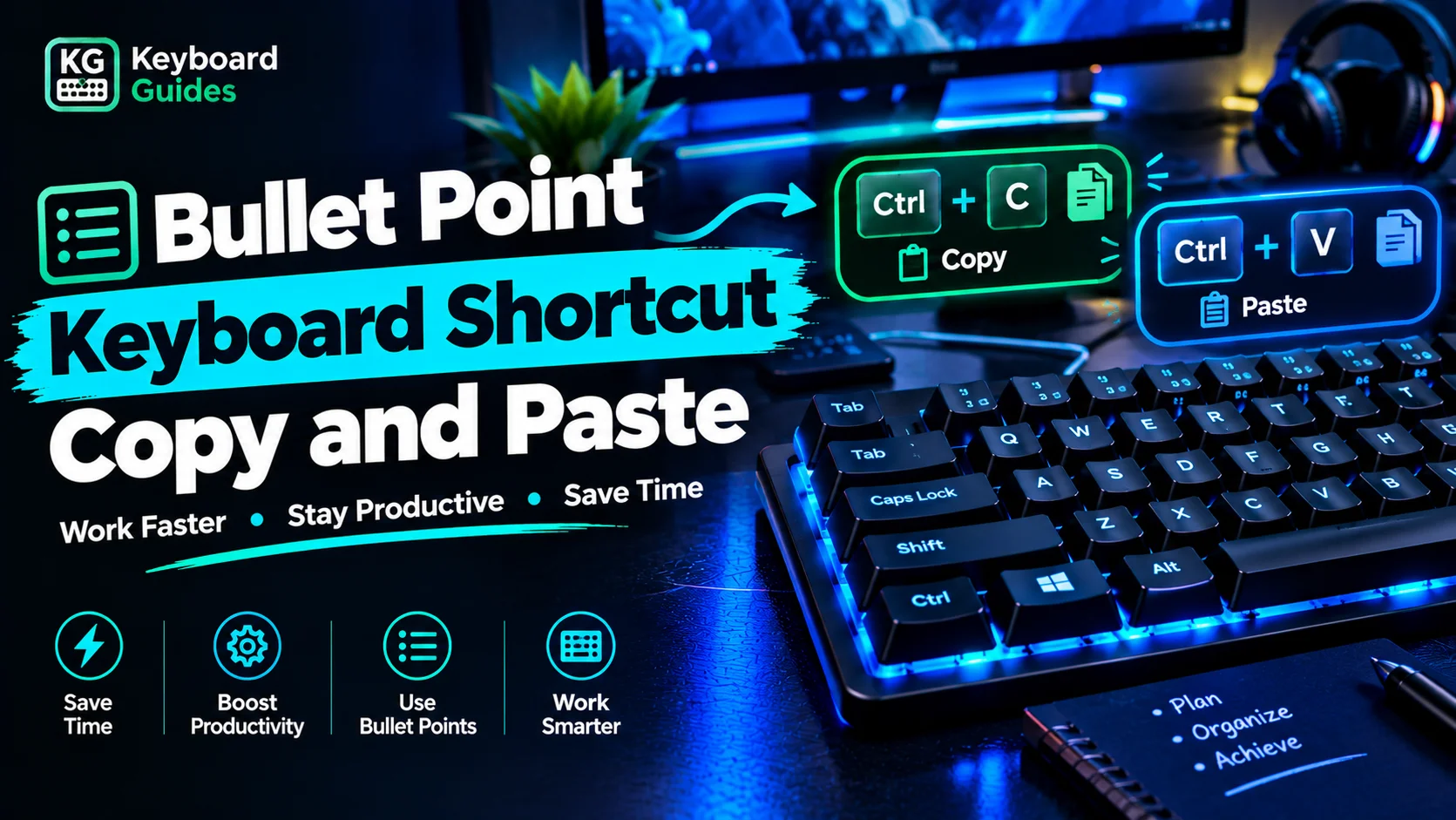
Bullet point keyboard shortcut copy and paste guide showing Ctrl + C and Ctrl + V keys on a blue RGB mechanical keyboard.

Bullet Point Symbol (•) Copy and Paste You can copy and paste the bullet point symbol (•) directly into documents, emails, notes, or social media posts without using a keyboard shortcut. Bullet point symbol: • Copy and paste: • You can also use these alternative bullet symbols depending on your formatting needs: Symbol Name • … Read more
How to Switch Tabs With Keyboard on Windows and Mac

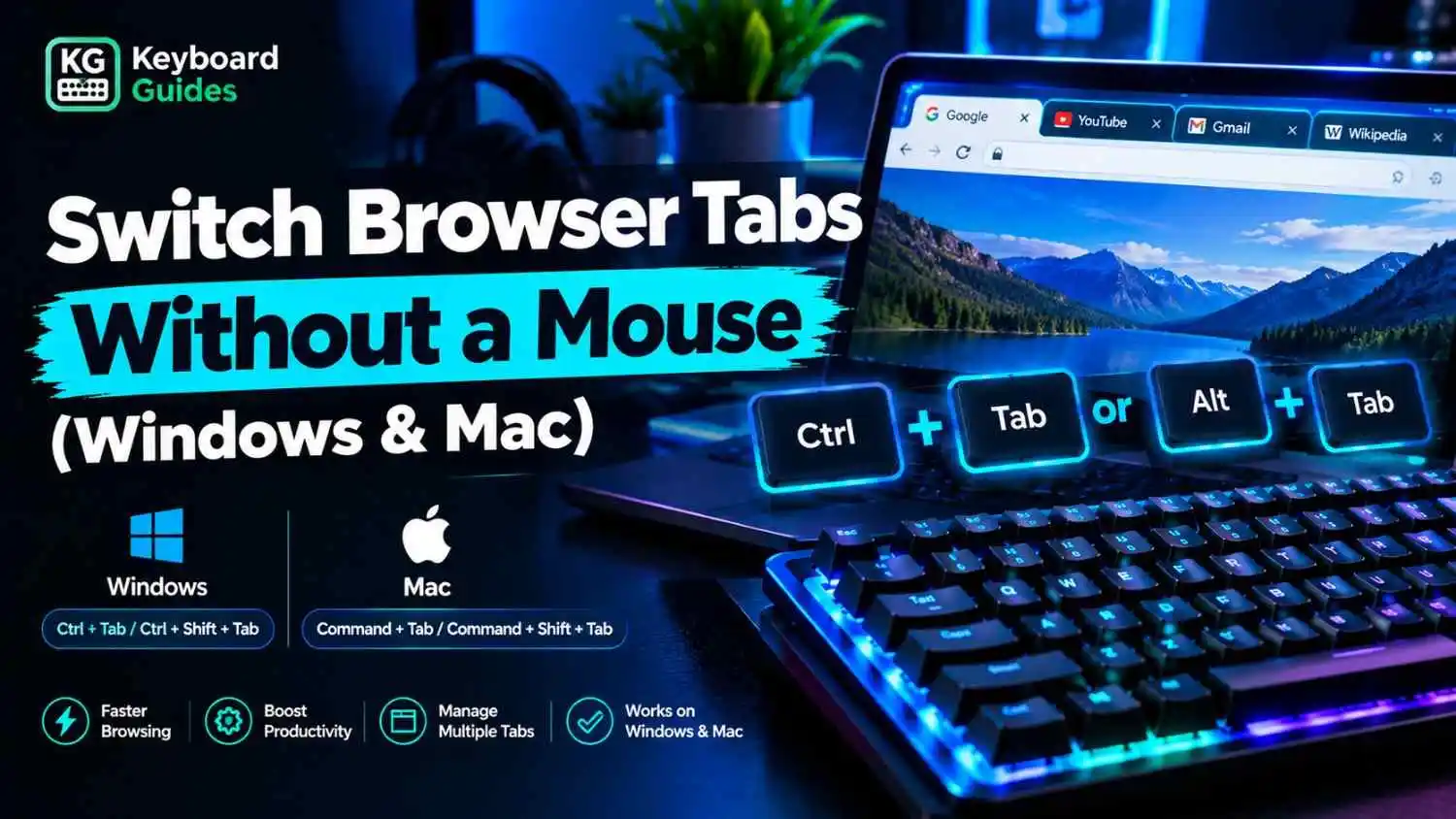
Switch browser tabs without a mouse on Windows and Mac using keyboard shortcuts, shown with a glowing RGB keyboard and browser tabs on a laptop.

You can switch browser tabs using keyboard shortcuts instead of a mouse. The shortcuts vary by operating system and browser. The table below covers common shortcuts for Windows, Linux, and Mac users. Keyboard Shortcuts to Switch Tabs Quickly Good tab navigation saves time and cuts down on repetitive movements between the keyboard and the mouse. … Read more

Windows 11 Keyboard Shortcuts: Complete List

Windows 11 keyboard shortcuts complete list with Ctrl, Windows, and productivity shortcut keys on an RGB keyboard

Windows 11 keyboard shortcuts let you open apps, switch windows, manage files, edit text, take screenshots, control desktops, and access system features without using a mouse. Start with these high-value shortcuts: Win + I opens Settings, Win + E opens File Explorer, Alt + Tab switches between apps, Win + Shift + S captures part … Read more

Arrow Keys Not Working in Excel? How to Fix It

Arrow keys not working in Excel? How to fix it using keyboard troubleshooting tips and Excel settings.

When the arrow keys stop moving from cell to cell in Microsoft Excel, they may scroll the worksheet instead or appear to do nothing. The most common cause is Scroll Lock, but editing mode, Excel add-ins, Windows settings, or a keyboard problem can also affect navigation. This guide explains the most common causes and shows … Read more

Wireless Keyboard Not Working? 10 Ways to Fix It

A wireless keyboard that won’t connect, respond, or type is usually a power, pairing, or connection problem, not a dead keyboard. Low batteries, a loose USB receiver, a dropped Bluetooth pairing, or a driver glitch cause most failures, and each has a quick fix. This guide covers both 2.4GHz wireless keyboards (USB receiver or dongle) … Read more

Logitech Keyboard Not Working? 10 Ways to Fix It

Logitech keyboard not working troubleshooting guide featuring a wireless Logitech keyboard with blue neon lighting and quick fixes for battery, Bluetooth, USB receiver, and driver issues.

A Logitech keyboard that suddenly stops typing is usually a connection, power, or software problem, not a dead keyboard. Most fixes take under five minutes and cost nothing. If you’re not sure the problem is specific to Logitech, start with our general guide on why your keyboard is not working. This guide covers wireless models … Read more

Laptop Keyboard Not Working? 11 Ways to Fix It

If your laptop keyboard is not working, the problem may be caused by a temporary software issue, an incorrect setting, dirt or debris, physical damage, a loose internal connection, or another hardware problem. In some cases, the issue is related to a keyboard driver or software problem rather than the keyboard itself. If the built-in … Read more

Why Is My Keyboard Not Working?

A keyboard can stop working because of a loose connection, a low battery, incorrect settings, a driver problem, or physical damage. If your keyboard suddenly stops responding, start by checking its power and connection, then restart your computer. Keyboard Problem What to Check Possible Cause Keyboard is completely unresponsive USB connection, battery, USB port Power … Read more

How to Clean a Keyboard Properly Without Damage

Keeping your keyboard clean helps remove dust, dirt, oils, and debris that can affect key performance and make typing feel less consistent. Whether you use a mechanical keyboard, gaming keyboard, or laptop keyboard, regular cleaning helps prevent sticky keys, improves hygiene, and keeps your keyboard working smoothly. In this guide, you’ll learn how to clean … Read more