
A wired keyboard connects to your computer through a cable, while a wireless keyboard uses Bluetooth or a dedicated 2.4 GHz USB receiver. Both can provide a good typing experience, but they differ in convenience, battery requirements, connectivity, and price.
Affiliate Disclosure: This article contains affiliate links. If you purchase through these links, we may earn a commission at no additional cost to you. This helps support KeyboardGuides.com.
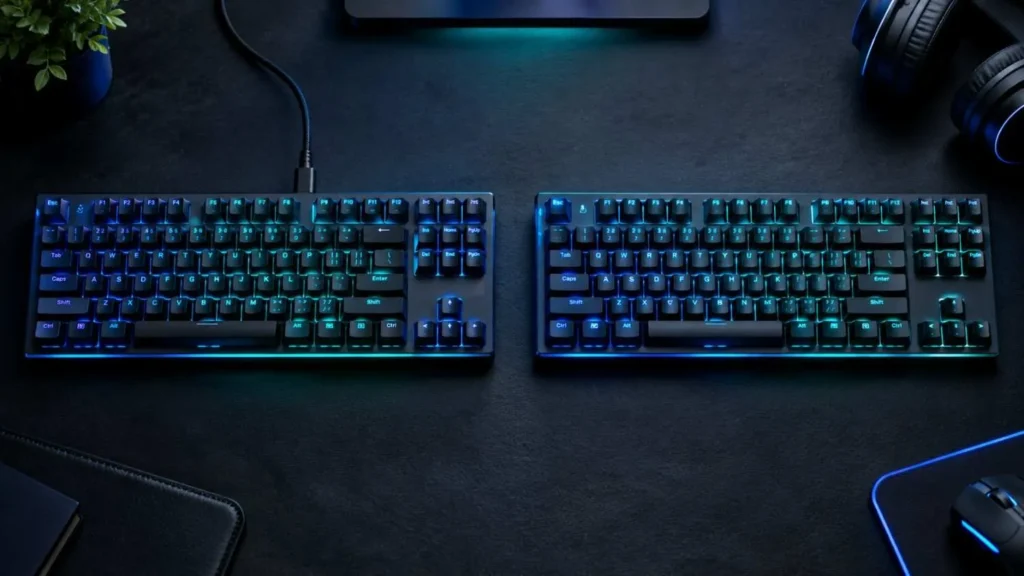
A wired keyboard is a practical choice if you want a simple connection without charging. A wireless keyboard is better if you prefer a cleaner desk, flexible positioning, or the ability to switch between devices.
Here is how wired and wireless keyboards compare across the features that matter most.
| Feature | Wired Keyboard | Wireless Keyboard |
|---|---|---|
| Connection | USB-A or USB-C cable | Bluetooth or 2.4 GHz receiver |
| Power | Usually powered through USB | Rechargeable or replaceable batteries |
| Latency | Generally consistent | Depends on the connection and model |
| Reliability | No wireless signal interference | May experience interference or pairing issues |
| Portability | Limited by cable length | Easier to move and carry |
| Desk setup | Cable may create clutter | Cleaner, cable-free setup |
| Price | Often more affordable | Can cost more for comparable features |
| Gaming | Excellent with a responsive model | Excellent with a low-latency model |
| Multi-device use | Depends on the keyboard | Available on many Bluetooth and tri-mode models |
What Is a Wired Keyboard?
A wired keyboard connects directly to a computer using a USB cable, usually USB-A or USB-C. The connection carries keystroke data, and the computer typically supplies power to the keyboard.
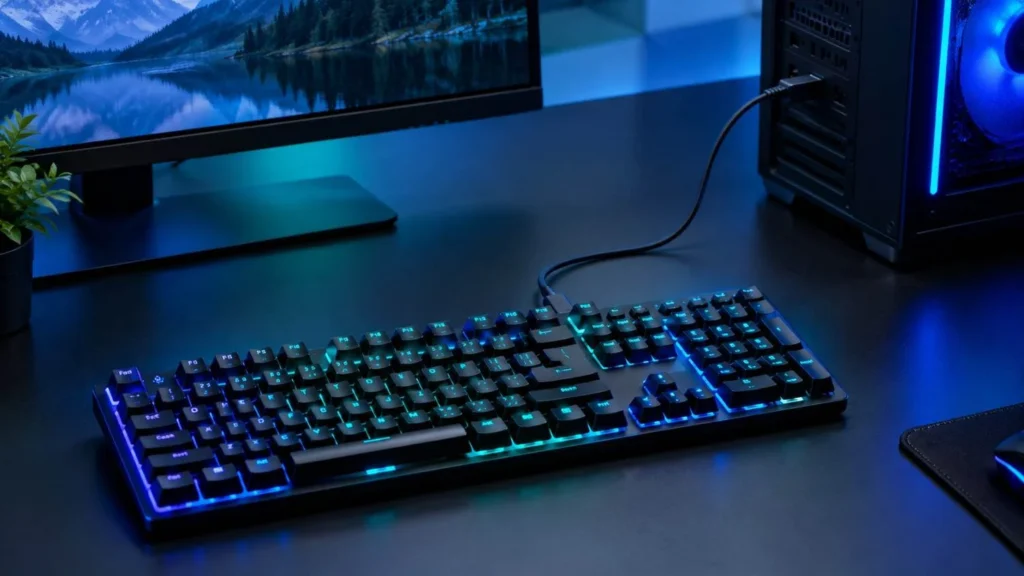
Most wired keyboards are plug-and-play, meaning you can connect them and start typing without pairing or charging a battery. They are available in membrane, mechanical, compact, full-size, and gaming designs.
Advantages of Wired Keyboards
- Consistent connectivity: A direct USB connection avoids wireless signal interference and pairing problems.
- No battery charging: Most wired keyboards receive power from the computer.
- Simple setup: Connect the cable to a compatible USB port and start typing.
- Often affordable: Many budget keyboards use a wired connection, although premium wired models can be expensive.
- Suitable for gaming: Responsive wired keyboards can provide excellent performance for casual and competitive gaming.
- No wireless receiver required: You do not need a separate dongle or Bluetooth pairing.
Wired keyboards are especially practical for desktop computers, fixed workstations, and users who want a straightforward setup.
Disadvantages of Wired Keyboards
- Cable clutter: The cable can make a desk look untidy, especially when several peripherals are connected.
- Limited movement: Cable length determines how far you can move the keyboard.
- Cable wear: A damaged cable or USB connector can interrupt the connection.
- Less convenient for travel: You must manage the cable when packing or moving between devices.
- Port requirements: Some laptops and tablets may require a USB adapter to connect a wired keyboard.
For a permanent desktop setup, these disadvantages may be minor. For a portable workstation, a wireless keyboard may be more convenient.
What Is a Wireless Keyboard?
A wireless keyboard sends keystrokes to a computer without a physical data cable. Most models use Bluetooth or a dedicated 2.4 GHz USB receiver, sometimes called a wireless dongle.

Wireless keyboards usually run on rechargeable or replaceable batteries. Some models also support wired USB operation, allowing you to choose between wireless convenience and a direct connection.
Advantages of Wireless Keyboards
- Portability: Wireless keyboards are easy to move between desks, rooms, and workstations.
- Cleaner desk setup: Without a permanent cable, the workspace can look more organized.
- Flexible positioning: You can place the keyboard wherever it feels comfortable within its connection range.
- Multi-device connectivity: Some models let you switch between a computer, tablet, and phone.
- Laptop and tablet convenience: Bluetooth keyboards can connect to compatible devices without using a USB port.
- Multiple connection modes: Tri-mode keyboards support wired USB, Bluetooth, and 2.4 GHz wireless connections.
Wireless keyboards are useful for students, office workers, laptop users, and anyone who values portability or a tidy workspace.
Disadvantages of Wireless Keyboards
- Battery maintenance: Rechargeable models need charging, while other models require replacement batteries.
- Battery degradation: Rechargeable batteries gradually lose capacity over time.
- Possible interference: Wireless signals can be affected by nearby devices, receiver placement, and environmental conditions.
- Receiver management: A lost or damaged USB receiver may be difficult to replace.
- Pairing issues: Bluetooth devices can occasionally experience connection or reconnection problems.
- Potentially higher cost: Wireless features may increase the price, although affordable wireless keyboards are also available.
Battery life varies considerably between models. RGB lighting, polling rate, battery capacity, and usage patterns can all affect how frequently a keyboard needs charging.
Bluetooth vs 2.4 GHz Wireless Keyboards
Bluetooth and 2.4 GHz are two common wireless connection methods, but they are not interchangeable in every situation.
| Feature | Bluetooth | 2.4 GHz Wireless |
|---|---|---|
| Connection | Pairs directly with a compatible device | Usually uses a dedicated USB receiver |
| Best suited for | Laptops, tablets, and multi-device use | Gaming and responsive desktop use |
| USB receiver | Usually not required | Usually required |
| Latency | Varies by keyboard and implementation | Can be very low with a suitable model |
| Battery life | Often optimized for power efficiency | Depends on the keyboard and wireless technology |
| Compatibility | Requires Bluetooth support | Requires a compatible receiver and suitable port |
Bluetooth Keyboards
Bluetooth is convenient when you want to connect a keyboard to a laptop, tablet, or other compatible device without occupying a USB port. Many Bluetooth keyboards also support switching between multiple paired devices.
However, Bluetooth performance varies with the keyboard, Bluetooth implementation, operating system, and connection conditions. A newer Bluetooth version does not automatically guarantee lower keyboard latency.
2.4 GHz Wireless Keyboards
A 2.4 GHz keyboard generally communicates through a dedicated USB receiver. Gaming-focused models often use optimized wireless protocols designed to provide responsive input.
Some models offer polling rates of 1,000 Hz or higher, but these specifications are not universal to all 2.4 GHz keyboards. Actual performance depends on the keyboard and its implementation.
Before buying, check receiver compatibility, battery life, supported polling rates, and whether the keyboard can also operate through USB or Bluetooth.
Wired vs Wireless Keyboard for Gaming
Both wired and wireless keyboards can be excellent for gaming. A wired model provides a straightforward connection, while a well-designed 2.4 GHz wireless keyboard can deliver similarly responsive performance.
For competitive gaming and esports, consider these factors:
- Input latency: The delay between pressing a key and the input being registered.
- Polling rate: How frequently the keyboard reports input to the computer.
- Connection stability: Whether the keyboard maintains a reliable connection during gameplay.
- Switch technology: Mechanical and Hall effect switches offer different performance characteristics.
- Battery life: Wireless models need sufficient charge for long gaming sessions.
Gaming-focused wireless technologies include Logitech LIGHTSPEED, Razer HyperSpeed, and Corsair SLIPSTREAM. Their performance depends on the specific keyboard and implementation.
Hall effect switches, adjustable actuation, and Rapid Trigger are separate keyboard features that may benefit certain competitive games. They are not exclusive to wireless or wired keyboards.
For fast-paced games such as Counter-Strike 2, Valorant, Apex Legends, and rhythm games, compare independent latency tests and manufacturer specifications instead of assuming that every wired keyboard is faster.
Bluetooth can be suitable for casual gaming, but a low-latency wired or 2.4 GHz model is generally the safer choice when responsiveness is a priority.
Wired vs Wireless Keyboard for Typing and Office Work
For students, writers, programmers, and office workers, either connection type can work well. The better option depends on the workspace and how the keyboard will be used.
A wired keyboard suits a fixed desk where charging and portability are not concerns. A wireless keyboard is more convenient when you frequently move your keyboard or switch between devices.
Connection type is only one part of the buying decision. Switch type, key layout, ergonomics, key spacing, and build quality often have a greater impact on typing comfort.
Before choosing a keyboard, consider your preferred keyboard layout and keyboard size. A full-size keyboard includes a number pad, while compact layouts save desk space.
For more advice, see our guide to the best keyboard for typing.
Which Keyboard Has Lower Latency?
Input latency is the delay between pressing a key and the computer registering the input. The connection type affects latency, but it is not the only factor.
| Connection | What to Expect |
|---|---|
| Wired USB | Consistent performance with a suitable keyboard |
| 2.4 GHz wireless | Can achieve latency comparable to wired models |
| Bluetooth | May have higher latency, depending on the device and implementation |
A keyboard with a 1,000 Hz polling rate has a nominal reporting interval of 1 millisecond. This does not mean its total input latency is exactly 1 millisecond. Switch processing, firmware, communication, and other system factors also contribute to the delay.
Likewise, Bluetooth does not always operate at a 125 Hz polling rate, and 2.4 GHz wireless does not always operate at 1,000 Hz. Check the specifications of the individual keyboard.
Wireless interference and poor receiver placement can also affect connection quality. For a more accurate comparison, look for independent latency testing performed under comparable conditions.
You can also try our keyboard polling rate test and keyboard latency test to explore keyboard input timing in your browser. Browser-based measurements are not a substitute for laboratory-grade hardware latency testing.
Is a Wired Keyboard More Reliable and Secure?
Reliability and security are different considerations, and neither connection type is automatically best in every situation.
Reliability
A wired USB keyboard avoids wireless signal interference and Bluetooth pairing problems. However, its cable or connector can become damaged.
Wireless reliability depends on the keyboard, signal conditions, receiver placement, and surrounding devices. A good wireless keyboard can maintain a stable connection in normal working conditions.
Security
A wired keyboard does not transmit keystrokes over a wireless link, which removes certain wireless-specific risks. However, wired keyboards are not automatically secure, and wireless keyboards are not inherently unsafe.
Security depends on the device design, firmware, connection protocol, and potential vulnerabilities. Some wireless keyboards have had security weaknesses, so choosing a reputable model and checking for available firmware updates is sensible.
For either connection type, keep your computer secure, install software updates, and use trusted devices when entering sensitive information.
Wired vs Wireless Keyboard: Which Should You Choose?
The best keyboard depends on your priorities rather than the connection type alone.
| Your Needs | Recommended Choice |
|---|---|
| Competitive gaming | A proven low-latency wired or 2.4 GHz keyboard |
| Office work | Wireless for flexibility; wired for simple, fixed use |
| Students and laptop users | Wireless if portability matters |
| Tight budget | Compare wired and wireless models at the same price |
| Multiple devices | A wireless model with the required Bluetooth or receiver support |
| No battery maintenance | A wired keyboard |
| Clean desk setup | A wireless keyboard |
| Maximum connection simplicity | A wired USB keyboard |
Keyboard Recommendations
If you are considering an EPOMAKER keyboard, the following models offer different connection options and layouts. Check the current product specifications and prices before purchasing.
- Wired gaming option: EPOMAKER HE68 Lite — a compact 65% Hall effect keyboard intended for users interested in adjustable actuation. Check the current connection and configuration details before buying.
- Wired TKL option: EPOMAKER Magcore 87 — a tenkeyless option to consider if you want a more compact gaming layout without a number pad.
- Multi-mode compact option: EPOMAKER x AULA F75 — a 75% layout with wireless and wired connectivity options, subject to the selected model’s specifications.
- Full-size option: EPOMAKER TH108 — a full-size layout worth considering if you use a number pad for office work.
Affiliate disclosure: Some links above are affiliate links. We may earn a commission if you make a purchase through them, at no extra cost to you.
Compare the connection modes, layout, switch type, battery life, warranty, and current price before deciding. A more expensive keyboard is not necessarily the better choice for your needs.
Frequently Asked Questions
Is it better to use a wired or wireless keyboard?
A wired keyboard is a good choice for simple, consistent connectivity without battery charging. A wireless keyboard is better for portability, flexible positioning, and a cleaner desk. Choose based on your setup and priorities.
What are the disadvantages of a wireless keyboard?
Wireless keyboards may require charging or battery replacement, can experience interference or pairing issues, and may need a USB receiver. Some models also cost more than comparable wired keyboards.
Which keyboard is best, wireless or wired?
Neither is universally best. Wired keyboards are practical for fixed setups and users who prefer a direct connection. Wireless keyboards are useful for portability, multi-device workflows, and cable-free desks. Keyboard quality and intended use matter more than connection type alone.
Is wired better than wireless?
Wired is often better for simple connectivity and avoiding wireless interference. Wireless is better for portability and reducing desk clutter. Modern wireless keyboards can also offer excellent performance, so the best choice depends on the model and how you use it.
Which is faster, wired or wireless?
A wired USB keyboard can provide consistent, responsive input, but a low-latency 2.4 GHz wireless keyboard can perform similarly. Bluetooth may introduce more latency on some models. Compare measured performance rather than relying only on connection type.
Is wired safer than wireless?
A wired keyboard avoids transmitting keystrokes over a wireless connection, reducing some wireless-specific security risks. However, neither wired nor wireless keyboards are guaranteed to be secure. Choose a reputable device, keep firmware updated when possible, and secure the computer itself.